Certification training
39Lectures
5h 6m 7sDuration
MicrosoftVendor
98-36698-366: Networking Fundamentals
Prepare for your Microsoft exam with a structured video course built for focused study, topic review, and repeatable progress before exam day.
 Best seller
Microsoft certification training
98-366
39 lessons arranged in a guided course path
Course overview
Study with a clear path.
Move through focused sections, review lecture timing, and return directly to the objectives that need more work.
Sequenced lessons
Follow the course in order or jump directly to the section you need to revisit.
Video-first prep
Use concise lecture blocks for technical review before moving into exam practice.
Fast access
Your purchased course becomes available in the member area after confirmed payment.
Curriculum
Course sections.
5 sections, 39 lessons, and lecture-level duration details.
01
Welcome!
1m 21s
02
What is MTA all about? Is it worth it?
2m 28s
01
What to expect in this section
32s
02
What is a computer network?
6m 57s
03
Internet, Intranet, and Extranet
10m 19s
04
Virtual Private Networks (VPNs)
5m 17s
05
Local Area Networks
13m 38s
06
Local Area Networks - part 2
9m 2s
07
Overview of Wide Area Networks
8m 17s
08
Let's talk about Wireless and wireless security
13m 1s
09
Network Topologies
5m 25s
10
Let's summarize this section
41s
01
What to expect in this section
31s
02
Why do we need switches in our networks?
12m 25s
03
What is a VLAN?
8m 38s
04
Routers in our networks
7m 22s
05
Access Points and wireless security
4m 13s
06
UTM devices and network security
7m 33s
07
Firewall rules - example
7m 4s
08
Media Types
5m 17s
09
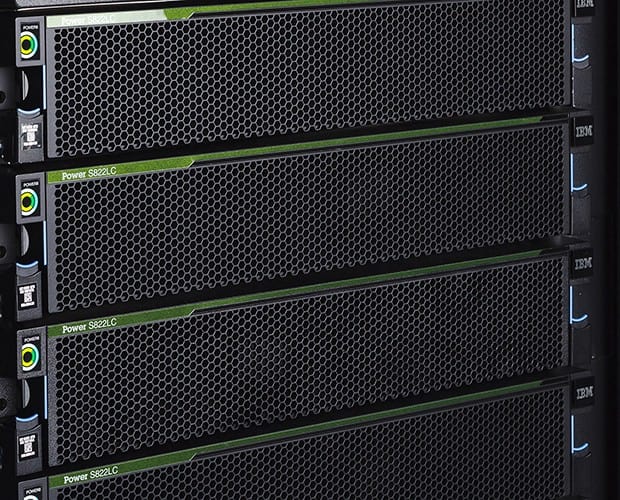
Let’s check a real rack!
22s
01
What to expect in this section
37s
02
The OSI Model part 1
11m 12s
03
The OSI Model part 2
14m 2s
04
Let’s talk about IPv4 addresses
9m 14s
05
Subnetting in action! Let's learn some basics
15m 51s
06
Subnetting - more examples and questions
15m 51s
07
Let’s talk about IPv6 - the next generation IP address
9m 8s
08
Names Resolution
4m 45s
09
Networking Services, DHCP and IPSEC
5m 39s
10
TCP/IP discussion and concepts
9m 33s
11
Let's summarize this section
3m 36s
01
Windows Server 2016
4m 9s
02
It's time to say good bye
53s
03
A review of a business class access point
16m 14s
04
Remote Support Tools
14m 10s
05
Create a network with Windows Server 2008/2012
13m 10s
06
Wireless Security
15m 28s
07
Learn more about Virtual Private Networks and encryption
12m 12s