Certification training
97Lectures
7h 23mDuration
Vendor
Xamarin Forms - Build Native Cross-platform Apps with C-sharp
Prepare for your exam with a structured video course built for focused study, topic review, and repeatable progress before exam day.
 Best seller
certification training
97 lessons arranged in a guided course path
Course overview
Study with a clear path.
Move through focused sections, review lecture timing, and return directly to the objectives that need more work.
Sequenced lessons
Follow the course in order or jump directly to the section you need to revisit.
Video-first prep
Use concise lecture blocks for technical review before moving into exam practice.
Fast access
Your purchased course becomes available in the member area after confirmed payment.
Curriculum
Course sections.
10 sections, 97 lessons, and lecture-level duration details.
01
What is Xamarin Forms?
4m
02
Setting Up the Development Environment
4m
03
Creating a Xamarin Forms App Using Visual Studio
7m
04
Creating a Xamarin Forms App Using Xamarin Studio
3m
05
Your First Xamarin Forms App
7m
06
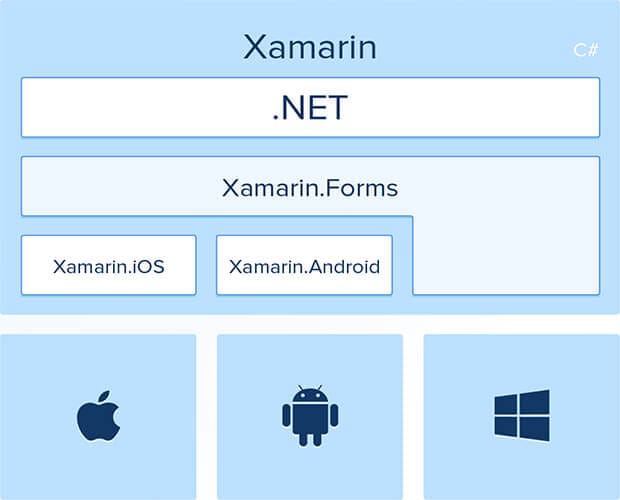
How Xamarin Works
5m
07
Course Structure
3m
01
Introduction
1m
02
XAML vs Code
5m
03
Content Property
4m
04
Accessing Elements in Code-behind
5m
05
Data Binding
5m
06
Binding Context
4m
07
Dealing with Device Differences
6m
08
Property Element Syntax
4m
09
XAML Compilation
4m
10
Exercise
1m
01
Introduction
1m
02
Stack Layout in XAML
7m
03
Stack Layout in Code
2m
04
Grid in XAML
10m
05
Grid in Code
6m
06
Absolute Layout in XAML
7m
07
Absolute Layout in Code
3m
08
Relative Layout in Code
4m
01
Introduction
1m
02
Image Sources
1m
03
Downloaded Images
5m
04
Aspects
1m
05
Activity Indicator
5m
06
Embedded Images
2m
07
Embedded Images in XAML
6m
08
Platform-specific Images
8m
09
Application Icons
3m
10
Rounded Images
5m
11
Dealing with Sizes
3m
12
Exercise - Photo Gallery
1m
01
Introduction
1m
02
Populating a Basic List
2m
03
Cell Appearance
5m
04
Custom Cells
4m
05
Grouping Items
5m
06
Handling Selections
4m
07
Context Actions
8m
08
Pull to Refresh
3m
09
Search Bar
5m
10
Exercise - Airbnb's Recent Searches
1m
01
Introduction
1m
02
Hierarchical Navigation
8m
03
Modal Pages
1m
04
A Simple Master Detail
6m
05
Master Detail Page
8m
06
Tabbed Page
8m
07
Carousel Page
2m
08
Displaying Popups
5m
09
Toolbar Items
4m
10
Exercise - InstagramApp
2m
01
Introduction
1m
02
Switch
3m
03
Slider
4m
04
Stepper
1m
05
Entry and Editor
6m
06
Picker
8m
07
Date and Time Picker
5m
08
Table View
6m
09
Custom Cells
2m
10
Bindable Properties
10m
11
Picker with Navigation
5m
12
Exercise - ContactBook App
3m
01
Introduction
1m
02
Overview
3m
03
Application Properties
8m
04
A Cleaner Implementation
6m
05
File System
8m
06
PCLStorage
1m
07
Setting Up SQLite
3m
08
Using SQLite
9m
09
INotifyPropertyChanged Interface
6m
10
Consuming RESTful Services
10m
11
Exercise - Netflix Roulette App
3m
01
Introduction
1m
02
What is MVVM?
4m
03
Code-behind and Testability
5m
04
Extracting a View Model
10m
05
BaseViewModel
10m
06
Domain vs View Model
5m
07
Dealing with Xamarin Dependencies
6m
08
ICommand Interface
5m
09
Command with a Parameter
7m
10
Clean Coding
1m
11
Unit Testing ViewModels
10m
01
Introduction
1m
02
Resource Dictionary
7m
03
Dynamic Resources
2m
04
Styles
10m
05
Messaging Center
9m
06
Managing Events
2m